The article ChatGPT: Activate the reminder function – this is how it works first appeared in the online magazine BASIC thinking. With our newsletter UPDATE you can start the day well informed every morning.
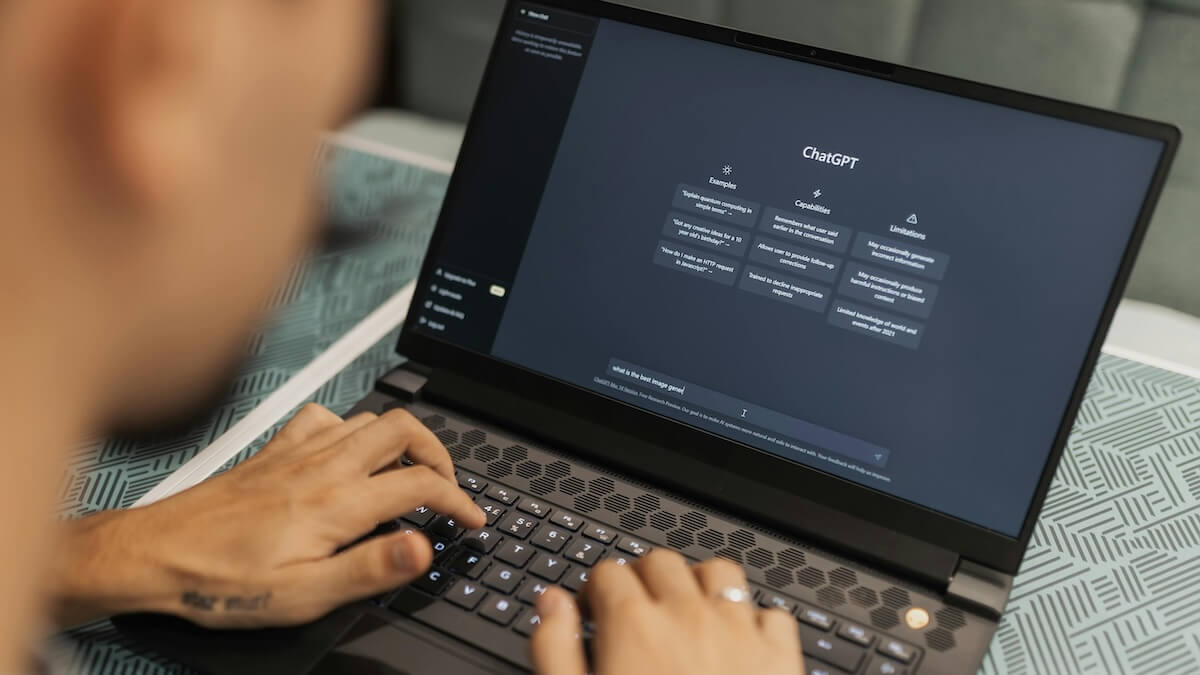
ChatGPT has a pretty good memory and can provide information about all sorts of things. The AI chatbot from OpenAI is also able to remember details from your conversations and incorporate them into new conversations. This is how you can activate ChatGPT’s reminder function.
Users can use ChatGPT to talk about a wide range of topics – from everyday questions to politics and science to creative projects. The AI chatbot is also able to remember certain things across multiple conversations.
OpenAI wants according to his own statements “Make future chats more helpful” with the help of this feature. Because users don’t always have to repeat saved memories, the system can access them and incorporate them into new conversations.
This is how you can activate the reminder function on ChatGPT
You can set ChatGPT’s reminder function in just a few steps in your settings. Here you also have control over what information is stored.
If you want to use the reminder function, click on your name on ChatGPT to open the settings. Now navigate to “Personalization”.
Here you will find the “Reminder” menu item, under which you can directly activate “Consider saved reminders” using a slider. This is then highlighted in blue. ChatGPT can now save memories and take them into account when replying.
You also have the option to include the chat history in future replies. Because ChatGPT can also take the chat history into account, which means the chatbot also takes the last conversations into account when replying.
Saved memories are not lost
You also have access to the saved memories in the settings. You can view and edit these. To do this, click on the “Manage” button in the reminder settings. This allows you to maintain control over the information that flows into future conversations.
ChatGPT also makes a distinction between saved memories and taking previous chats into account. The settings say: ChatGPT tries to remember your last chats. However, the system can “forget things over time”. However, this does not apply to saved memories, which ChatGPT does not forget.
If you have opened the saved memories via “Manage” in the settings, you can see everything that ChatGPT has remembered about you. Here you have the option to sort or copy the memories by age.
You can also delete individual memories if you want to remove them from ChatGPT’s memory. To do this, click on the three dots next to the reminder and click “Delete”.
It is also possible to delete all memories at once. To do this, click on the three dots at the top next to the search bar and select “Delete all reminders” at this point.
Also interesting:
- ChatGPT: This is how you can deactivate web search
- Why there would probably be no AI without pigeons
- Direct translations in WhatsApp: Everything you need to know
- ChatGPT: This is how you can deactivate web search
The post ChatGPT: Activate the reminder function – this is how it works appeared first on BASIC thinking. Follow us too Google News and Flipboard or subscribe to our newsletter UPDATE.
As a Tech Industry expert, I believe that ChatGPT’s reminder function is a valuable tool that can enhance user experience and productivity. By allowing users to set reminders within the chat interface, ChatGPT streamlines the process of managing tasks and deadlines.
The reminder function works by simply typing out a reminder command in the chat, such as “remind me to call John at 3 PM tomorrow.” ChatGPT then processes this command and sets a reminder for the specified time and date, sending a notification to the user when the reminder is due.
Overall, I think that the reminder function in ChatGPT is a convenient and efficient feature that can help users stay organized and on top of their tasks. It demonstrates the potential of AI-powered chatbots to simplify everyday tasks and improve productivity in various settings.
Credits