The article Samsung Galaxy Tab S11 Ultra: Galaxy AI for studies and work first appeared in the online magazine BASIC thinking. With our newsletter UPDATE you can start the day well informed every morning.
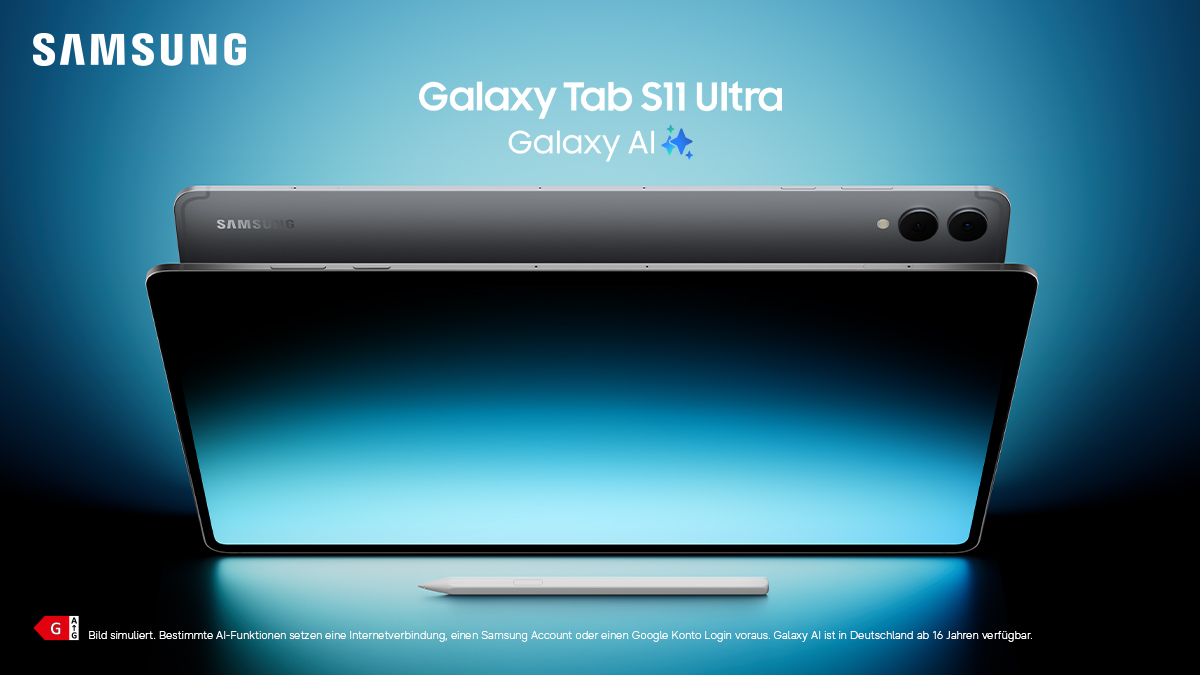
When lecture notes, project decks and creative side projects come together, you need more than a classic tablet. The Samsung Galaxy Tab S11 Ultra combines a huge 14.6-inch display with Galaxy AI, Google Gemini, Samsung DeX and S Pen. This makes it a premium device for students and young professionals who want to be productive on the go.
Premium tablet for studies, work and creative projects
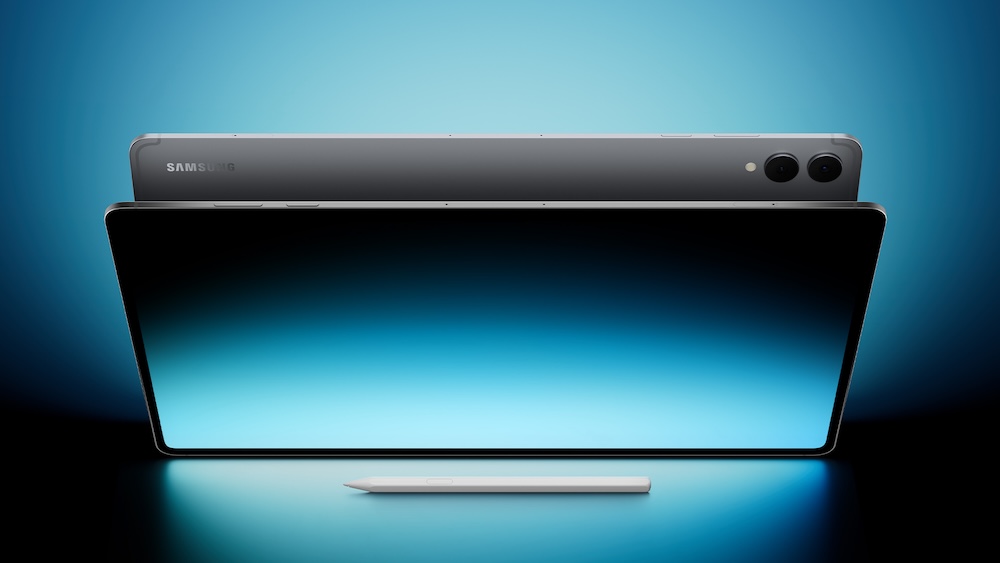
The Samsung Galaxy Tab S11 Ultra is the high-end model Galaxy Tab S11 series. It is aimed at users between lecture halls, offices and cafés. The case is only 5.1 millimeters thin and is made of Armor Aluminum. Despite the large display, it remains surprisingly mobile. It fits easily into a backpack or tote bag, ideal for everyday travel.
The almost frameless 14.6-inch Dynamic AMOLED 2X display with a refresh rate of up to 120 Hz is made for multitasking. Seminar documents, notes and research can be displayed in parallel without having to constantly switch between apps. The high brightness, vision booster and anti-reflection technology ensure that content remains easy to read even on the sunny campus meadow or on the train.
At the same time, the 3 nm processor (MediaTek Dimensity 9400+), together with up to 16 GB of RAM and up to 1 TB of storage, delivers a performance that can also handle larger presentations, image editing or data-heavy tools with confidence. The 11,600 mAh battery is designed for long days of lectures, work and series marathons. Including 45W fast charging for that extra boost in between.
Galaxy AI and Google Gemini: Smart co-pilot for every day
Heart of the Samsung Galaxy Tab S11 Ultra are the Galaxy AI features in combination with Google Gemini. Instead of just opening apps, the tablet becomes an intelligent assistant that understands content and actively supports it. Long PDFs, scripts or project descriptions can be summarized, marked and structured with Galaxy AI. Ideal for learning phases or preparing presentations.
With Gemini Live, content on the display can be explained in context: diagrams, notes or websites are not only displayed, but also interpreted in terms of content. Questions about a screenshot or slide can be asked directly, and answers can be sent to Samsung Notes if desired. Including translations, summaries or reformulations. This turns a simple tablet into an intelligent work device that significantly speeds up research, text work and planning.
For written tasks such as emails to professors, project reports or customer presentations, the writing assistant helps by optimizing wording, adjusting tonality and shortening or expanding texts. Together with Note Assist and other Galaxy AI tools, ideas can be captured, structured and transformed into professional results more quickly.
Discover the Galaxy Tab S11 Ultra here
Samsung DeX: Desktop feeling on the tablet
For students and young professionals who work a lot on the go, Samsung DeX is one of the strongest arguments Galaxy Tab S11 series. With a simple swipe or key press, the interface transforms into a desktop-like environment. Multiple windows next to each other, taskbar, drag & drop: The Galaxy Tab S11 Ultra feels more like a notebook, but remains significantly lighter and more flexible.
In combination with the Book Cover Keyboard Slim, an almost fully-fledged workplace is created: term papers can be written in word processors, project plans can be edited in tables and presentations can be prepared, while research tabs, emails or chat tools remain open in the background. Thanks to the tight integration of Galaxy AI, content can be summarized in the browser, texts can be automatically improved or notes can be structured automatically without interrupting the workflow.
Anyone who already uses a Galaxy Book or a Galaxy smartphone also benefits from Multi Control and Second Screen. Mouse, keyboard and trackpad can be used across devices, files can be moved between PC and tablet via drag & drop, and the Tab S11 Ultra can be used as an additional monitor if desired. This creates a flexible setup that adapts to the learning or work situation, from the desk to the train.
S Pen and 14.6-inch display: Creativity at pro level
The Samsung Galaxy Tab S11 Ultra shows its strengths to the fullest for creative projects. The revised S Pen included in delivery offers a particularly precise writing and drawing feel with its fine, conical tip and new hexagonal design. Sketches, wireframes, hand lettering, image editing or notes in lectures appear more natural and controlled.
Thanks to Quick Tools, access to frequently used functions such as line weights, colors or favorites is just a click away. Sticky Memos help to anchor spontaneous ideas in different colors directly on the home screen or in documents. In combination with Galaxy AI, handwritten notes can be smoothed, structured or converted into cleanly formatted text if desired. A big advantage if you want to later create a fully formulated work or presentation from notes.
The large AMOLED display not only offers plenty of space for working, but also for entertainment. Series, films and games benefit from the high refresh rate and rich colors, while the quad speaker with Dolby Atmos ensures spatial sound. So if you want to switch off after an intensive day at university, you don’t have to use a second device.
Galaxy Tab S11 series: security, ecosystem and future-proofing
In order for a tablet to last for several semesters and years of work without any problems, it needs more than performance and a display. The Galaxy Tab S11 Ultra features a robust metal housing, an Armor Aluminum frame and IP68 certification against dust and water. This means it can survive everyday life between campus, office, shared kitchen and travel much more relaxed.
On the security side, Samsung Knox protects sensitive data such as documents, passwords or project files in a protected area. Features such as fingerprint sensor, facial recognition and a clear data protection dashboard give you control over which apps access which data. This is an important plus point for students and young professionals who work with sensitive project documents or customer data.
The tablet fits seamlessly into the Galaxy ecosystem. Quick Share makes it easier to share files, Samsung Notes synchronizes notes across multiple devices, and SmartThings, Samsung Health and other services connect the tablet to a smartwatch, TV and smart home if desired. Anyone who is for the Galaxy Tab S11 Ultra variant decides, receives a central work device that combines studies, job, creativity and free time in one setup.
The Galaxy Tab S11 series is ideal as a notebook replacement, learning platform and creative tool. The different models offer different storage and configuration options. What they all have in common: Galaxy AI, DeX, S Pen and a strong display, combined in one premium device.
About the Galaxy Tab S11 series
The post Samsung Galaxy Tab S11 Ultra: Galaxy AI for studies and work appeared first on BASIC thinking. Follow us too Google News and Flipboard or subscribe to our newsletter UPDATE.
As a Tech Industry expert, I believe that the Samsung Galaxy Tab S11 Ultra with Galaxy AI for studies and work has the potential to revolutionize how students and professionals engage with their tasks. The integration of AI technology into the tablet’s functionality can provide personalized recommendations and insights tailored to individual needs and preferences.
This can greatly enhance productivity and efficiency, making it easier for users to stay organized, focused, and on track with their goals. The Galaxy Tab S11 Ultra’s AI capabilities can also assist with research, data analysis, note-taking, and collaboration, making it a valuable tool for both students and professionals in various fields.
Overall, I see the Samsung Galaxy Tab S11 Ultra as a game-changer in the realm of tech devices for studies and work, offering users a seamless and intelligent experience that can truly elevate their performance and productivity.
Credits